Truli's regulatory library now works inside Claude, ChatGPT and Cursor
Regulatory research belongs in the workflow where you ask the question. Truli’s remote MCP server brings its regulatory library into Claude, ChatGPT, Cursor and other MCP clients, with citations and source text returned with every answer.

Catherine Zhou
| Co-founder at Truli

The Truli MCP server gives your AI agent tools for regulatory research. MCP, the Model Context Protocol, is a standard for connecting AI applications to external tools and data. Instead of relying only on the model’s memory, an agent can retrieve the source material it needs to answer a question.
Truli returns the citation and source text so the agent can quote the regulation rather than guess. You can inspect the language behind its explanation and bring that evidence into your team’s review.
What your agent can look up
Curated topics: get the complete list of sections for a compliance topic.
Regulations across jurisdictions: search for relevant rules, then retrieve the full regulation text by citation.
Ingredient status: look up GRAS, food additive and color additive status across FDA GRAS notices, 21 CFR 182/184, SCOGS, EAFUS and NOT-GRAS enforcement.
US state ingredient bans: research state restrictions alongside federal sources.
Branded ingredients: look up a branded ingredient.
Policy pipeline: find out what is happening with a rule in a country.
For example, ask: “Which sections cover allergen labeling for a food product in the US? Return the citations and source text.” Or ask the agent to find front-of-pack labeling rules for Mexico and Chile and quote the relevant passages. These are research prompts, not conclusions about a particular product.
A regulatory library across markets
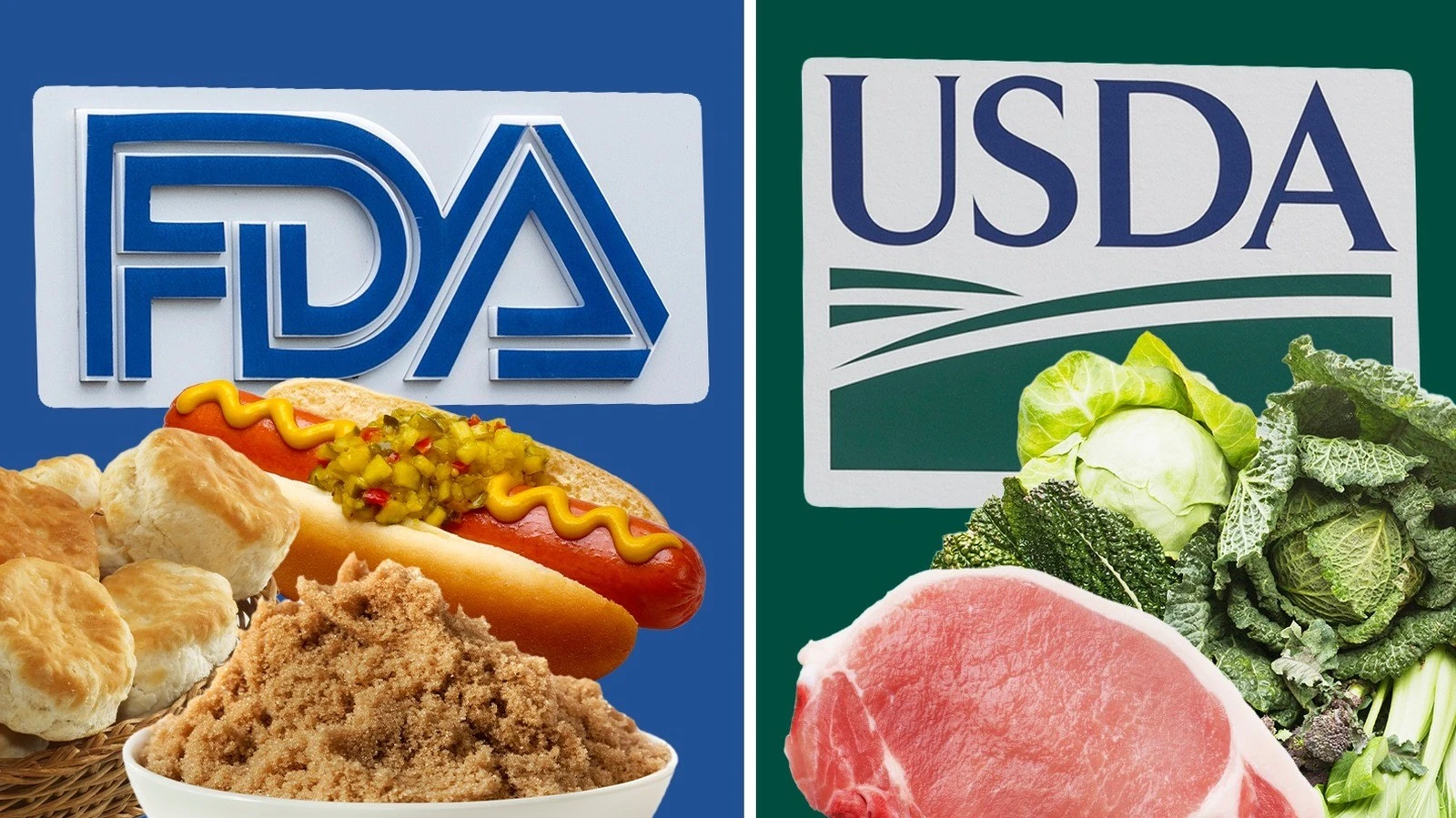
Truli’s library includes 200K+ regulations ingested from 15K+ primary sources, plus 25K+ enforcement records. Coverage includes US federal rules from FDA, USDA, TTB and FTC in the CFR, plus US state law; Canada, UK, EU, Australia/New Zealand, Japan, Switzerland and Singapore; and Codex.
Front-of-pack coverage includes Mexico NOM-051, Chile, Brazil, Argentina, Peru, Colombia and Uruguay. Product categories include food & beverage, dietary supplements, cosmetics, alcohol and cannabis/hemp.
Connect the client you use
The remote server uses streamable HTTP at https://app.trytruli.com/api/mcp, with OAuth sign-in through a Truli account. Start at the Truli connect page after creating an account or signing in.
Claude: add a custom connector with the server URL and complete Truli OAuth sign-in.
Claude Code: run claude mcp add --transport http truli https://app.trytruli.com/api/mcp, then complete OAuth sign-in in your client.
Cursor: add {"mcpServers":{"truli":{"url":"https://app.trytruli.com/api/mcp"}}} to your mcp.json, merging it with existing server entries, and complete OAuth sign-in.
ChatGPT: use developer-mode connectors to add the server URL and complete Truli OAuth sign-in. Other MCP clients can use the same remote endpoint with streamable HTTP and OAuth.
The MCP setup guide includes copyable snippets.
Start free
The free tier includes 250 tool calls a month. Regulation text lookups and topic lookups do not count toward that allowance. No card is needed.
Need more calls, a team plan, or MCP bundled with Truli label review? Talk to us.
Truli’s MCP server is an information tool, not legal advice. Final sign-off stays with the customer’s qualified compliance or legal team.
About

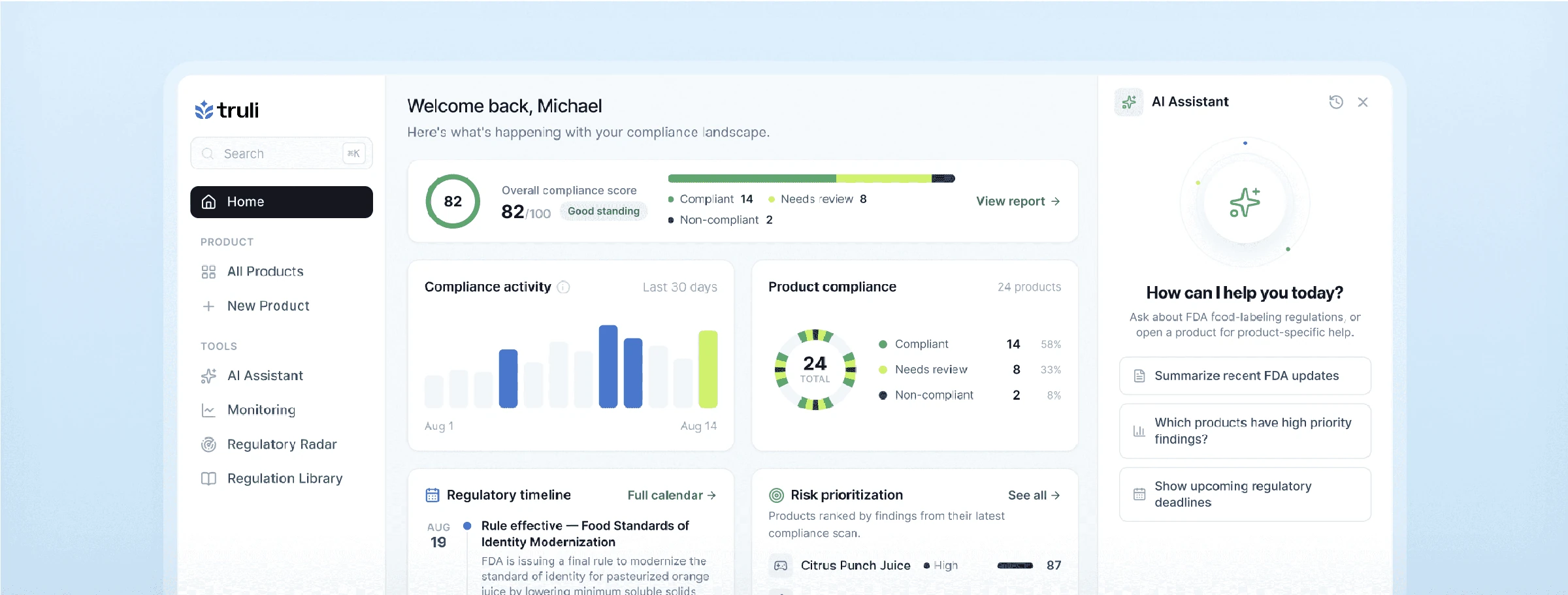
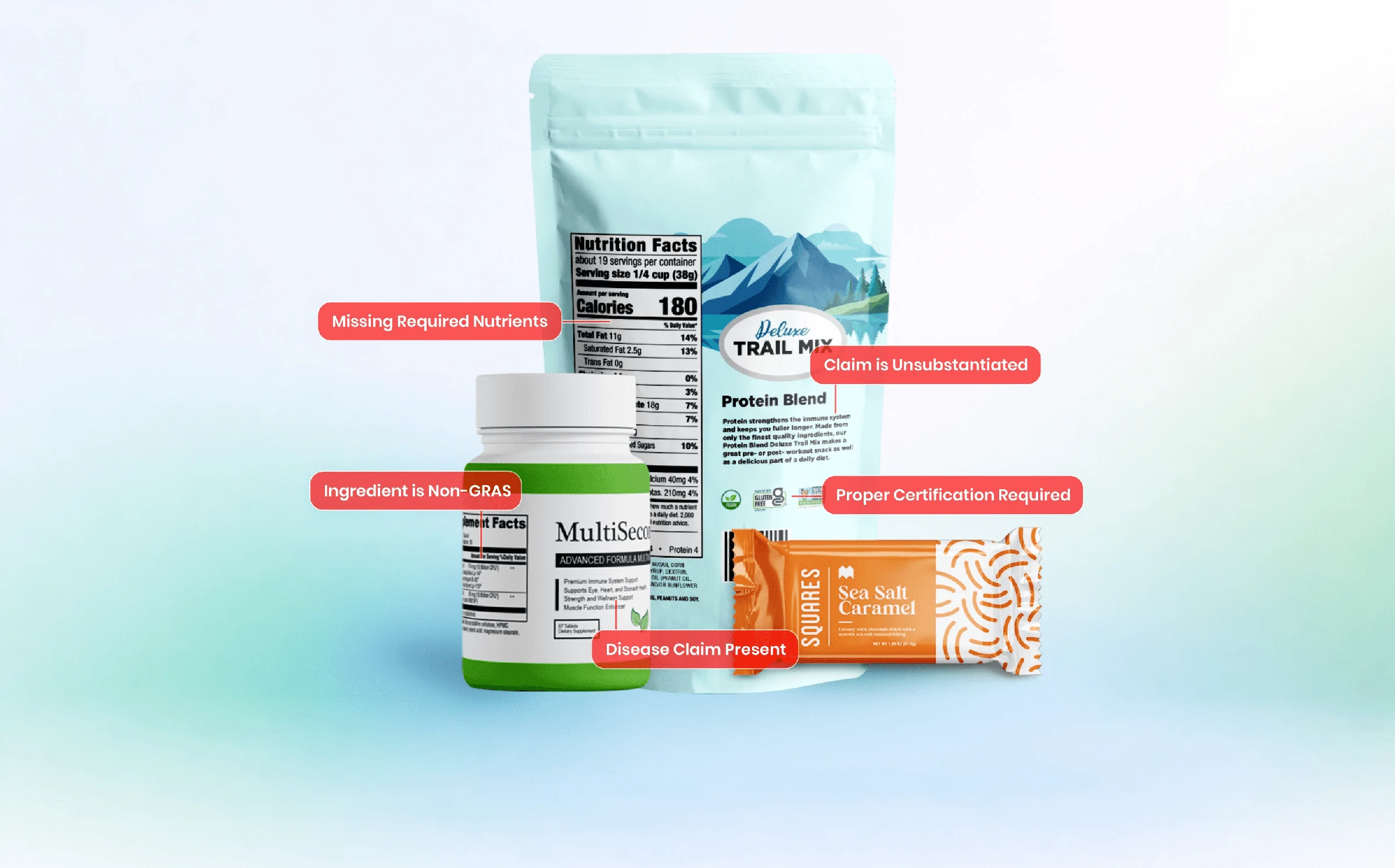
Truli is an AI compliance platform for food, beverage, and supplement brands. Automate FDA/FTC label reviews, claims validation, and post-market monitoring — 10x faster.

Platform
See Truli in action
If regulatory delays are consuming months and thousands in fees, see how Truli delivers fast and continuous compliance coverage at a fraction of the cost.
Book a demo